Purchase Management
Purchase products from suppliers and complete warehouse receipt
On This Page
Purchase Overview
Purchase management helps you record and track all purchasing activities. From creating purchase orders to warehouse receipt and returns, the system provides complete purchase workflow management to improve procurement efficiency.
Purchase Order
Record products purchased from suppliers
Purchase Receipt
Receive goods and increase inventory
Purchase Returns
Return products to suppliers
Create Purchase Order
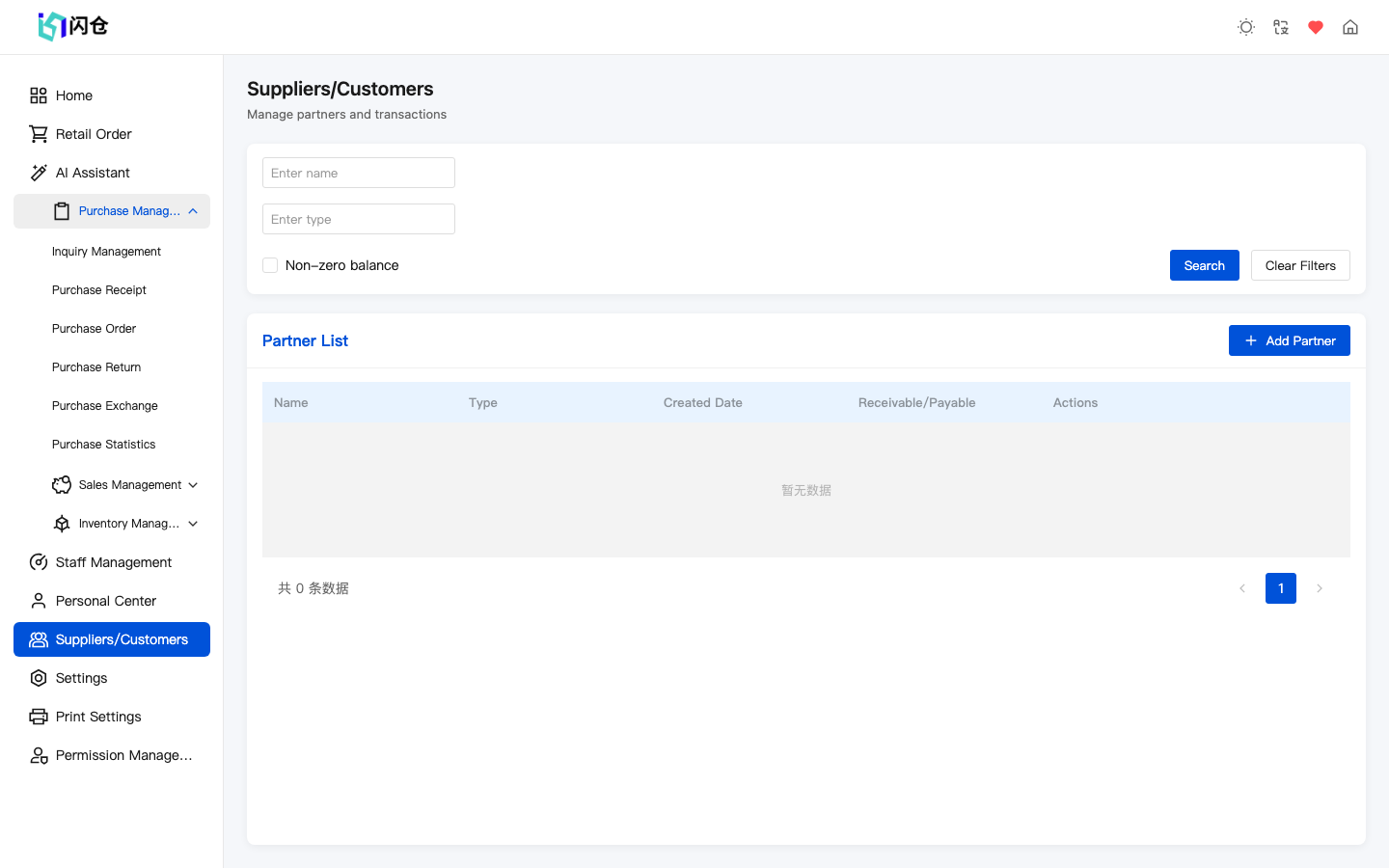
Enter Purchase Orders
Click 'Purchase Management' → 'Purchase Order' in the left menu
Click 'Add'
Click the 'Add' button in the top right
Select Supplier
Choose the supplier for this purchase from the dropdown
Add Products
Click 'Add Products', select items to purchase, enter quantity and unit price
Confirm Information
Check order details including products, quantities, and amounts
Save Order
Click 'Save' to create the order
Tip
- After creating a purchase order, products are not automatically added to inventory - you need to complete the receipt process
- Orders can be saved as drafts and edited later
Purchase Receipt
When purchased goods arrive, create an input bill to add them to stock. Note: stock is NOT increased the moment you submit — it is added only after the bill is Approved (if you turned off the approval flow in Settings, submitting auto-approves).
Enter Receipt Management
Click 'Purchase Management' → 'Purchase Receipt'
Create Receipt
Click 'Add' button, or generate from purchase order
Select Warehouse
Choose which warehouse to receive the goods into
Confirm Products
Verify receipt products and quantities match actual delivery
Confirm Receipt
Click 'Confirm Receipt', inventory will be updated
What happens after receipt?
- • Stock increases only after approval (if you also enabled the two-step Purchase Statistics approval, confirm once more under Purchase → Purchase Statistics to actually stock it in)
- • The system records the input details for tracing
- • Supplier payable increases (if on credit)
Purchase Returns
When purchased products have quality issues or other reasons requiring return to supplier, create a return order.
Enter Return Management
Click 'Purchase Management' → 'Purchase Returns'
Create Return Order
Click 'Add' button
Select Supplier
Choose the supplier to return goods to
Select Return Products
Choose products to return from those purchased from this supplier
Enter Return Quantity
Enter return quantity and reason
Confirm Return
Click 'Confirm' to complete the return
Purchase Statistics
Purchase statistics help you understand procurement status and optimize purchasing decisions.
Available Statistics
- • Total purchase amount (by time period)
- • Purchase amount by supplier ranking
- • Purchase quantity by product ranking
- • Purchase trend analysis
Statistics Usage
- • Identify main suppliers
- • Analyze procurement cost changes
- • Plan purchasing schedules
- • Negotiate better prices with suppliers